
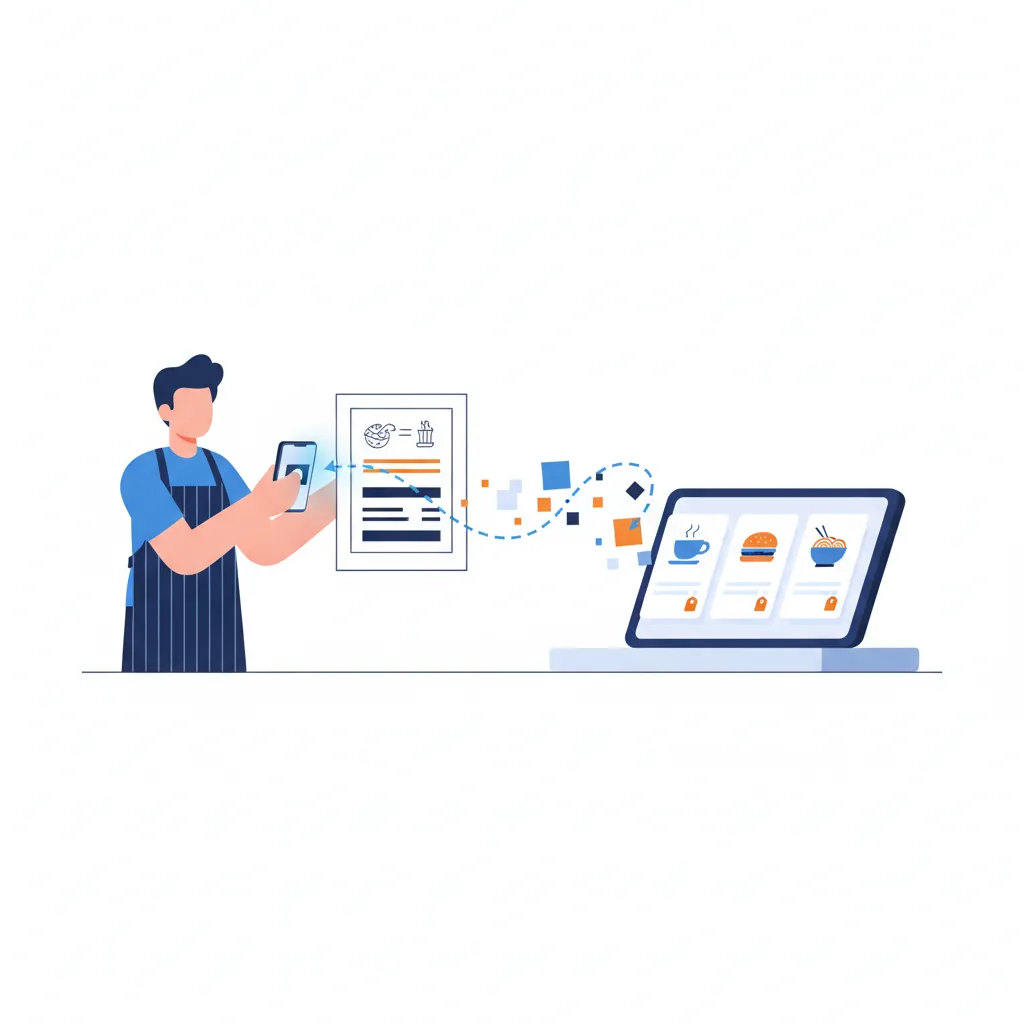
Setting up a POS menu by hand is the classic onboarding wall: dozens or hundreds of items, each with a price, a category, and modifiers, all typed in one at a time. AI knocks that wall down. You photograph your existing menu and get a digital catalog you can review and publish — usually in minutes. Here is how it works. This is part of our guide to AI tools for event and restaurant setup.
Snap, extract, review, go live
The flow is deliberately simple:
- Snap or upload photos of your printed menu — JPEG, PNG, or HEIC, up to ten pages, so a multi-page or double-sided menu is fine.
- AI reads the menu and pulls out items, categories, prices, and modifiers into a structured catalog.
- Review and edit — confirm prices, fix any misread item, and organize categories.
- Go live on your POS, online ordering, and QR ordering from one shared menu.
The key point: you approve before anything publishes. AI does the tedious extraction; you keep control of the final result.
Why this beats manual entry
- Minutes, not hours. A menu that would take an afternoon to key in is drafted in a few minutes.
- One menu, every channel. The same catalog runs your in-person POS, your online ordering, and QR ordering — no re-entering it per channel.
- Fewer typos. Extraction plus a review pass tends to be more consistent than typing a hundred items by hand at the end of a long day.
Getting the best extraction
- Good photos help. Flat, well-lit shots with the whole menu in frame beat blurry angles.
- One section per shot for dense menus makes categories cleaner.
- Review modifiers closely. Add-ons, sizes, and options are where you will most want to double-check the draft before publishing.
What to do after it is live
Once your catalog is in, you can enable items, set availability, and connect the channels you sell through. Because it is your Addmi menu, editing an item once updates it everywhere it appears. If you also sell through delivery apps, see one menu, every delivery app.
The bottom line
Digitizing a menu used to be the reason POS onboarding dragged on. Photograph the menu, let AI build the catalog, review it, and publish — then spend your time serving customers instead of typing.