
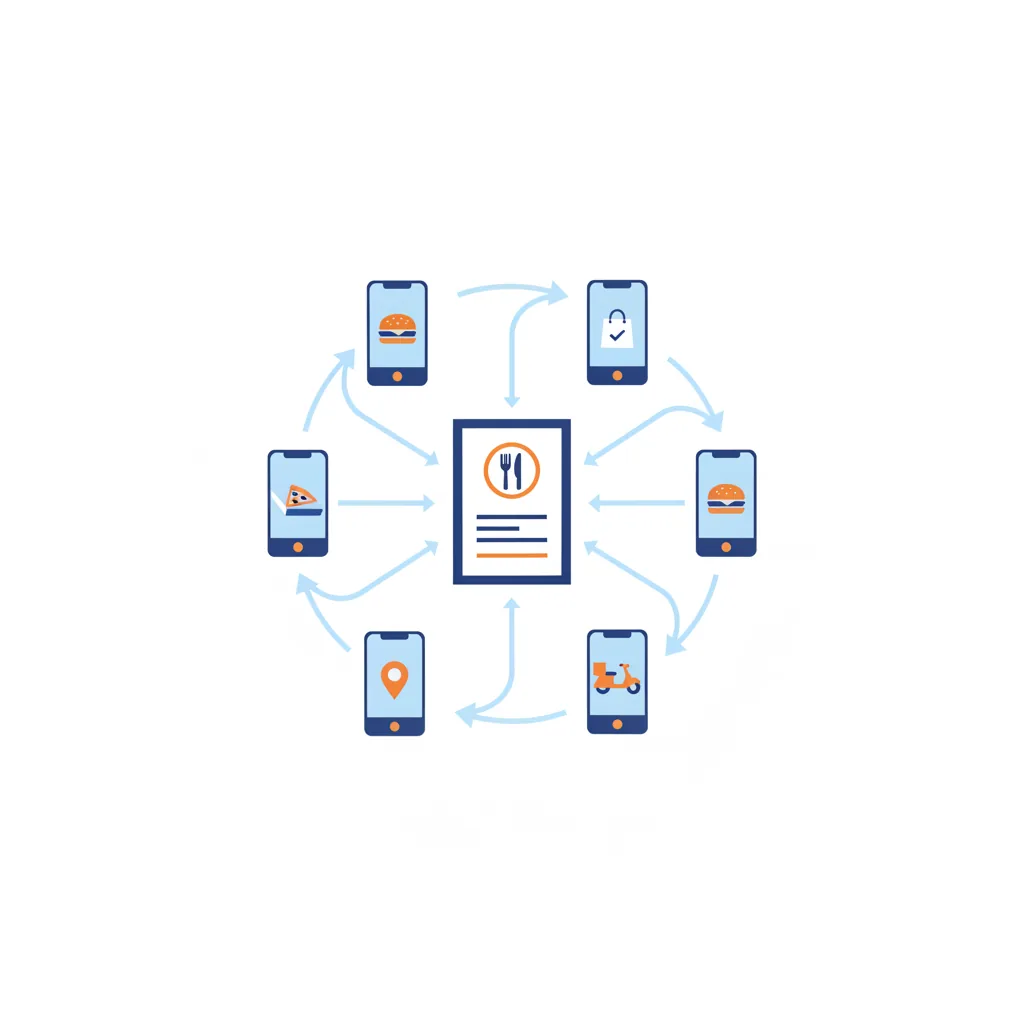
The hidden tax of being on multiple delivery apps is not just the commission — it is maintaining the same menu in three places. Miss one and you are selling a sold-out dish on Uber Eats, or charging last month's price on Grubhub. Addmi removes that busywork by making your POS the single source of truth for the menu and syncing it out to every connected app. This is part of managing DoorDash, Uber Eats & Grubhub from one POS.
One source of truth
With Addmi, your menu lives in one place: your Addmi dashboard. You build categories, items, variants, and prices once. When you connect your delivery apps through Otter, that menu syncs out to DoorDash, Uber Eats, and Grubhub — so the apps mirror what is in Addmi rather than each holding its own copy.
The practical rule that follows: edit the menu in Addmi, not in the apps. Editing inside a marketplace creates a second version that drifts from your POS, which is exactly the problem the sync is meant to solve.
What syncs
The menu sync carries the structure your guests see on each app:
- Categories and items with names and descriptions.
- Prices per item and variant.
- Availability — so a change you make once is reflected across channels.
Why it matters
- No price drift. One edit updates every connected app, so a guest pays the same whether they order on DoorDash or Grubhub.
- Fewer refunds and complaints. Availability stays consistent, so you are not selling items you cannot make.
- Less labor. Menu maintenance goes from once-per-app to once, full stop.
The bigger picture
Menu sync is one half of running delivery through your POS; the other half is orders flowing back in. Together they let you treat the marketplaces as channels of one system instead of three separate businesses. And for the guests you want to keep, pair this with Addmi's commission-free online ordering so repeat customers order directly under your own brand.