
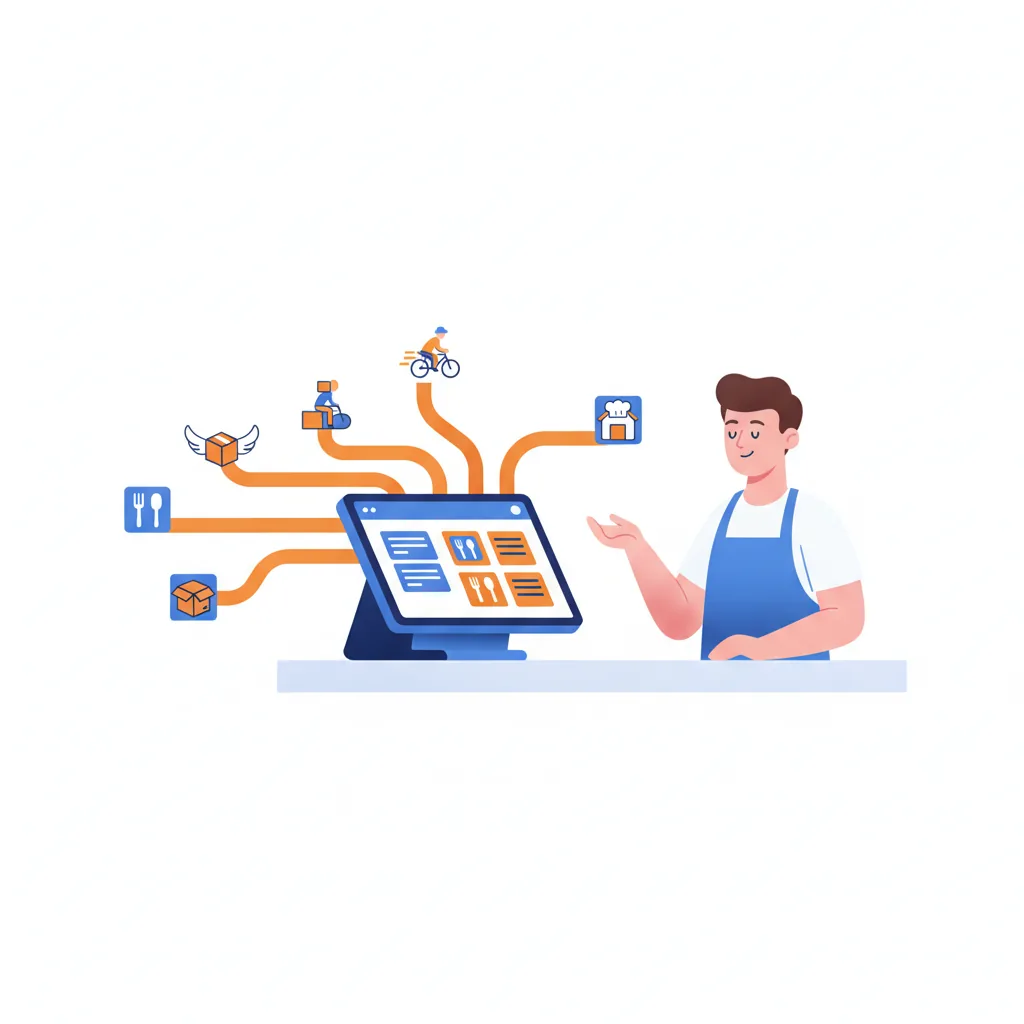
If you run delivery, you know the counter: a tablet for DoorDash, a tablet for Uber Eats, a tablet for Grubhub, each chirping on its own, each order re-typed into the register by hand. It is slow, it is error-prone, and on a busy Friday it is how tickets get missed. This guide covers the fix — running every delivery app through one point of sale — what it changes for your restaurant, and how to set it up with Addmi in 2026.
This is the delivery-app companion to our restaurant POS systems 2026 operator guide.
The problem: a tablet per app
Every marketplace you join adds another device, another login, another menu to maintain, and another screen your staff has to watch. Nothing talks to your POS, so orders are re-keyed manually — which is where wrong items, missed modifiers, and dropped tickets come from. Worse, when you change a price or 86 an item, you have to remember to update every app separately. The result is a system that gets harder to run with every marketplace you add.
The fix: aggregate every delivery app into one POS
A delivery aggregator sits between the marketplaces and your point of sale. Instead of integrating with DoorDash, Uber Eats, and Grubhub one by one, you connect once, and the aggregator fans your menu out to all of them and funnels their orders back to a single place.
Addmi does this through Otter (a CloudKitchens product). Connect your store once and two things happen automatically:
- Orders in. DoorDash, Uber Eats, and Grubhub orders land in your Addmi POS order queue as native tickets — the same queue as your in-house and online orders — and are auto-accepted with a prep-time estimate so couriers are dispatched without anyone tapping a tablet.
- Menu out. Your Addmi menu is the source of truth and syncs out to the connected apps, so you edit items and prices in one place. See one menu, every delivery app.
What it means to run delivery through Addmi
Consolidating the marketplaces into your POS changes the day-to-day in a few concrete ways:
- One screen, not a tablet stack. Staff manage every channel from the Addmi order queue, so nothing gets missed because a tablet was face-down or muted.
- No re-keying. Orders arrive already itemized in the POS, which removes the manual-entry mistakes that cost you refunds and bad reviews.
- One menu to maintain. Change a price or availability once and it flows to the apps — no more three-way menu drift.
- Everything in one report. Marketplace sales sit alongside in-house and online sales in the same dashboard, so you can actually see what each channel contributes.
How to turn it on
Setup takes a few minutes. In your Addmi business dashboard, open Manage Delivery → Delivery Apps (or Settings → Integrations → Otter), enter your Otter store ID, and connect. From there orders begin flowing into your queue and your menu syncs out. The step-by-step is in how to connect your delivery apps.
Do not give the marketplace your best customers
Aggregating delivery apps solves the operations problem, but it does not solve the economics: marketplaces still take 15% to 30% commission on every order, and against a 3% to 5% net margin that erases the profit on those tickets.[1] The 2026 playbook is hybrid — use the marketplaces for discovery, then move known, repeat guests to a channel you own.
That is where Addmi's own commission-free online ordering comes in: a branded page where regulars order directly, you keep the customer data, and there is no marketplace commission. Run the apps for reach, run direct ordering for loyalty — both from the same point of sale. We break the numbers down in commission-free online ordering for restaurants.
Related guides
- How to Connect DoorDash, Uber Eats & Grubhub to Your Addmi POS
- One Menu, Every Delivery App: How Menu Sync Works
- Delivery Apps vs In-House Delivery in 2026
- Commission-Free Online Ordering for Restaurants · Restaurant POS Guide
Sources
[1] OPA!, Sauce, ActiveMenus, DoorDash Merchant Learning Center — delivery marketplace economics (2026): DoorDash and comparable marketplaces charge 15%–30% commission per order; independent restaurant net margin is 3%–5%, so a 25%–30% commission erases the margin on those orders; hybrid (marketplace for discovery, direct for repeat) is the recommended model.